BOSS COURSES
Choose Your Journey
Explore our courses and determine the path for you. We offer Field Expeditions in 7, 14 and 28-day lengths, covering essential backcountry skills and travel. For those who are interested in primitive technologies and bushcraft, take a look at our 7, and 14-day Skills Courses. Our Field and Skills Courses do not have prerequisites.
Field Expedition Courses
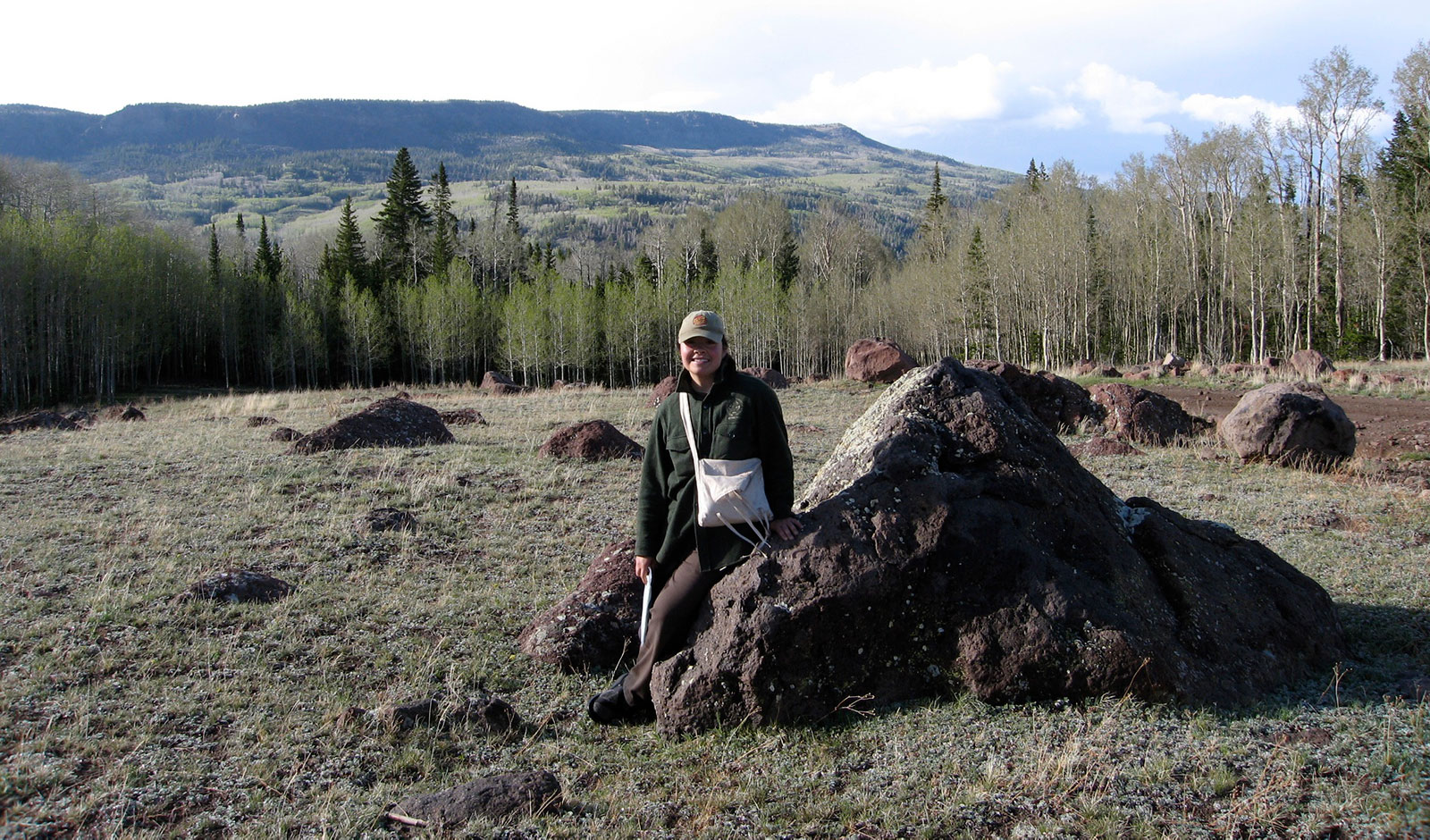
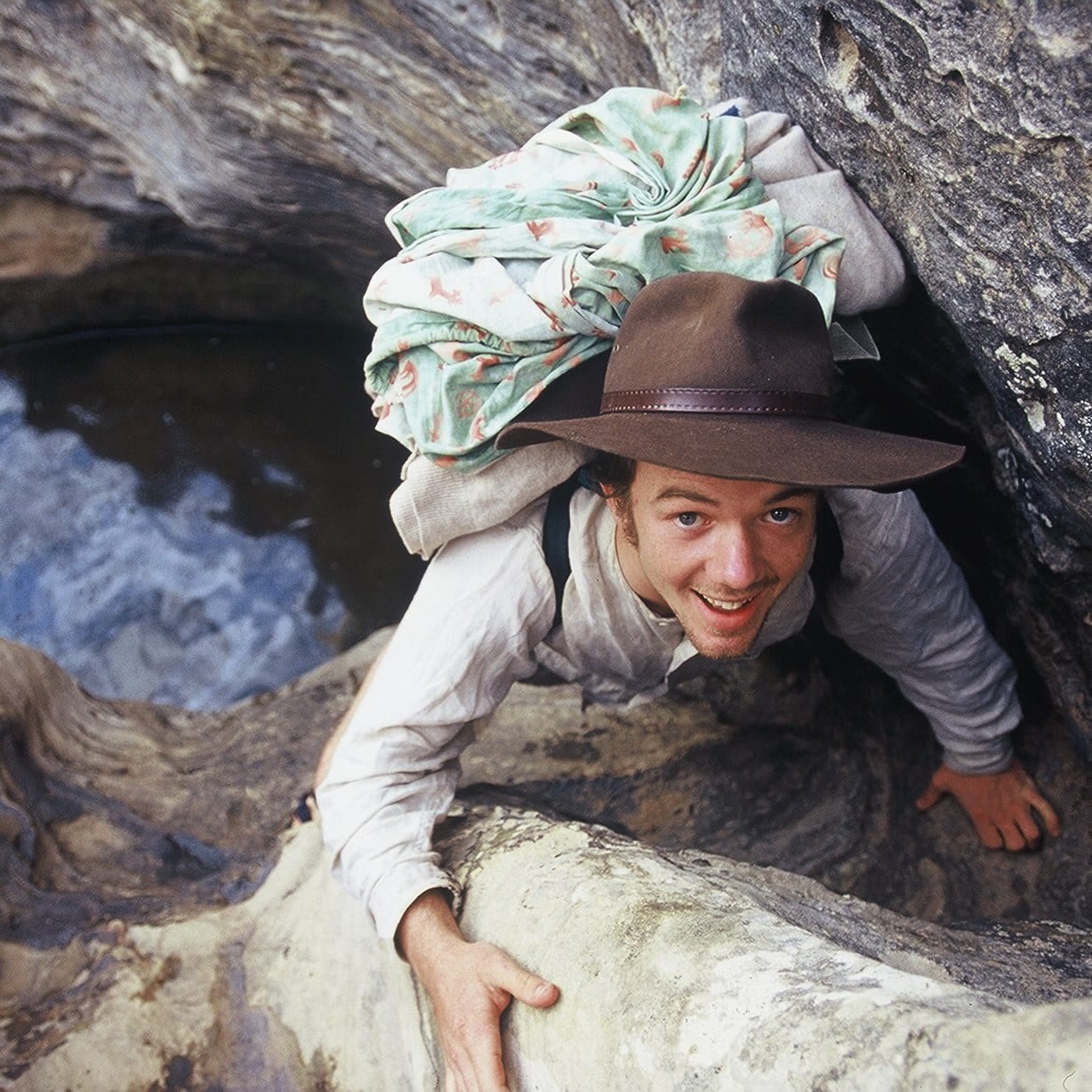
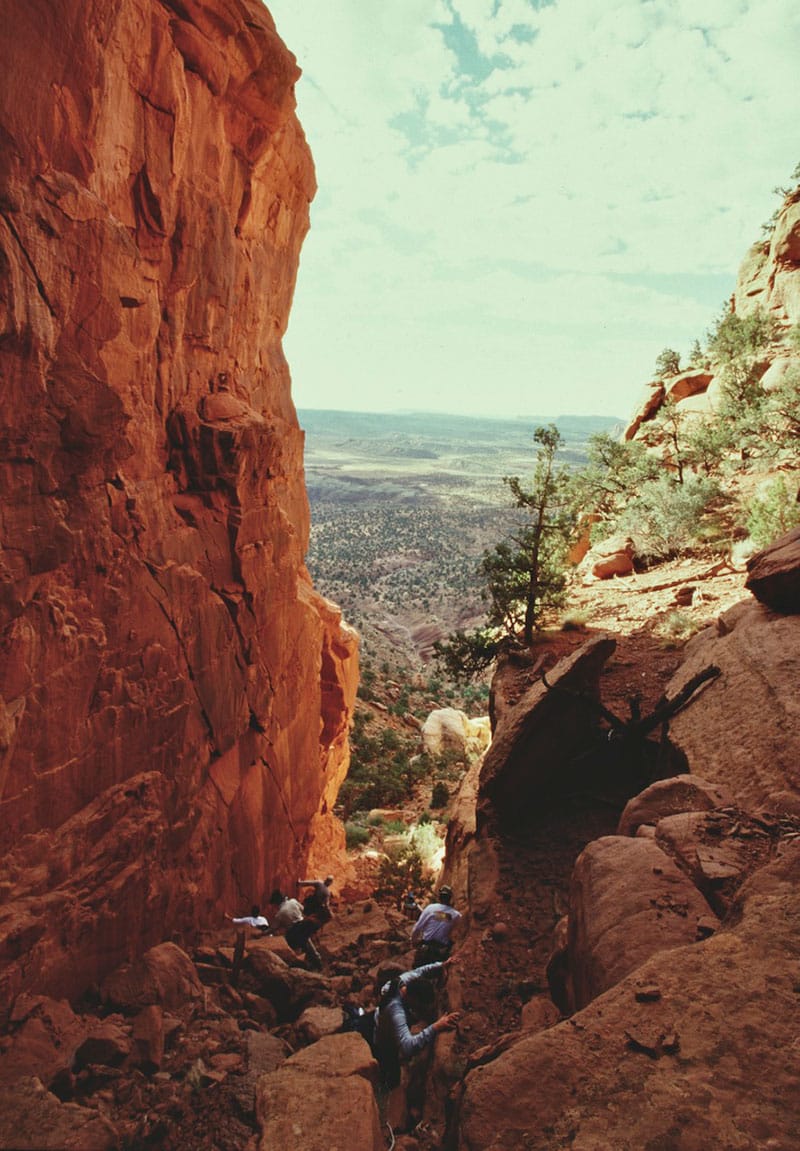
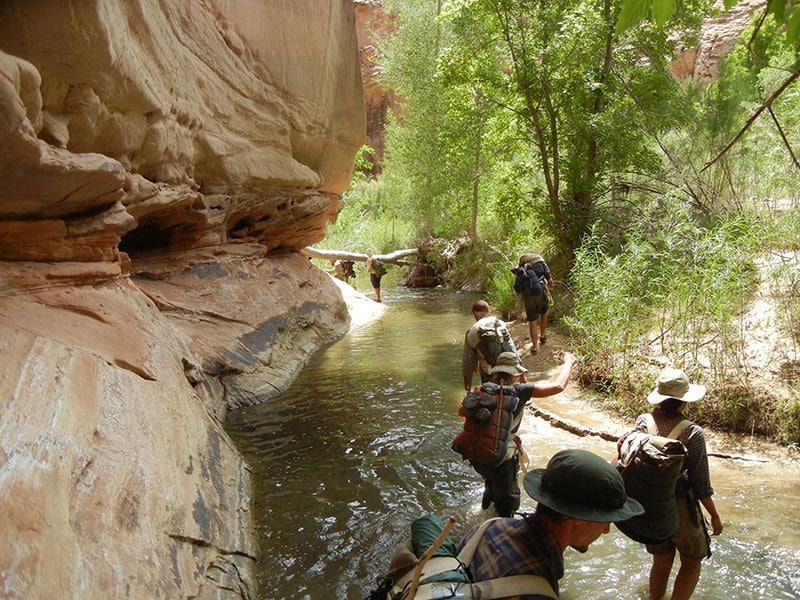
The BOSS Field Expedition Course has been our signature trip since 1968. There is nothing else like it: travel through Southern Utah’s mountains, mesas and canyons with little more than a blanket, poncho, and a knife. No tents, sleeping bags, stoves, or backpacks, and definitely no watches, GPS, or cellphones. You will be physically and mentally challenged as your small group travels through some of the most beautiful land in the country and learns technical wilderness skills, environmental knowledge, and critical survival behavior.
A BOSS Field Expedition Course is for those seeking to reconnect with the natural world, challenge themselves, and gain experience in the wilderness. Our experienced instructors will guide you through each phase of the journey utilizing experiential education to meet the following goals:
- Learn fundamental wilderness skills
- Increase resiliency and self-confidence
- Improve interpersonal relationships
- Foster inner growth
- Practice positive impact
These fully immersive wilderness expeditions do not require previous outdoor skills or knowledge.
Skills Courses
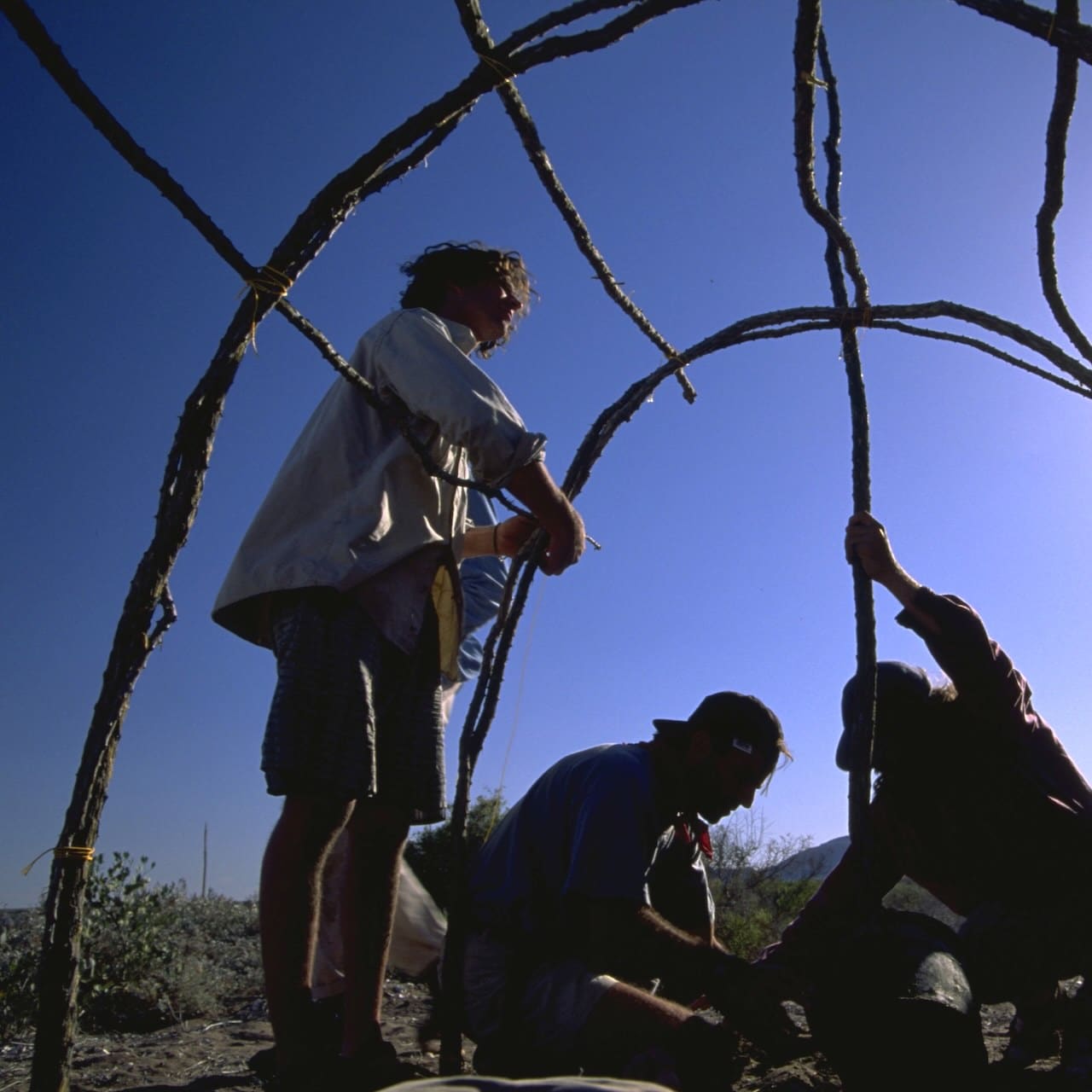
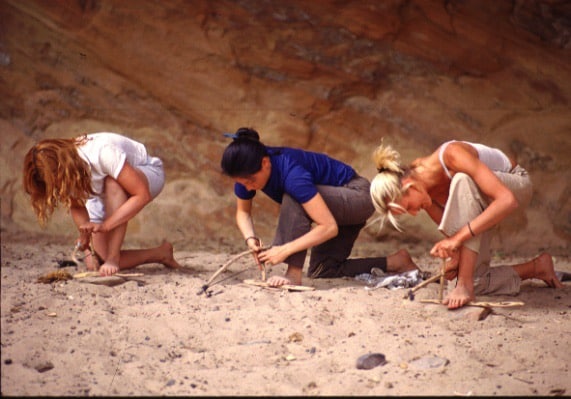
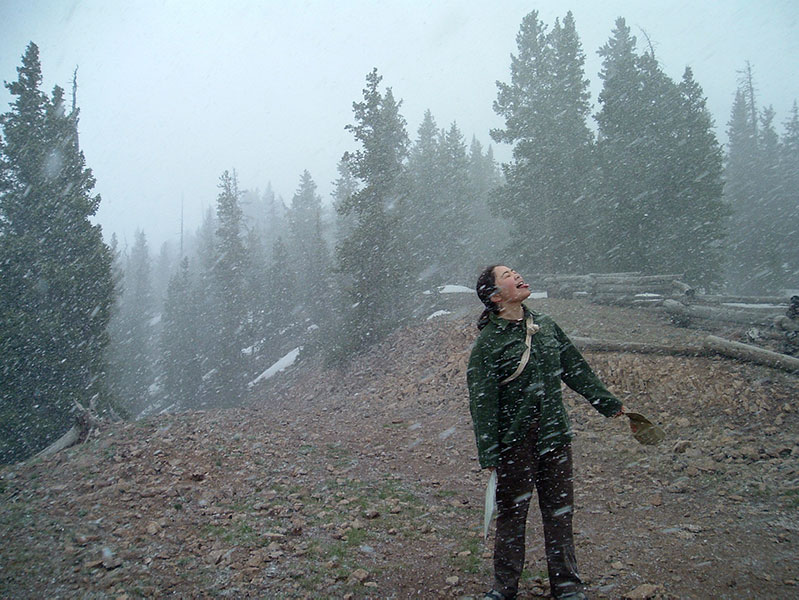
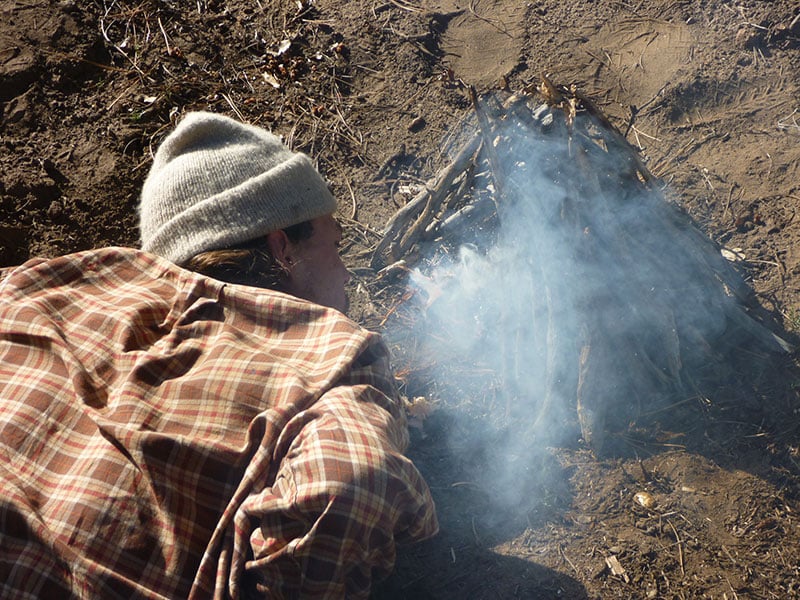
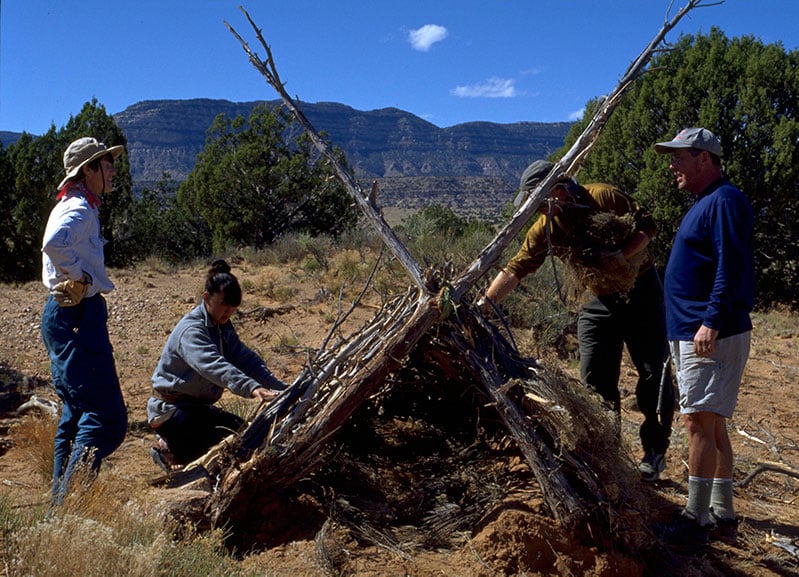
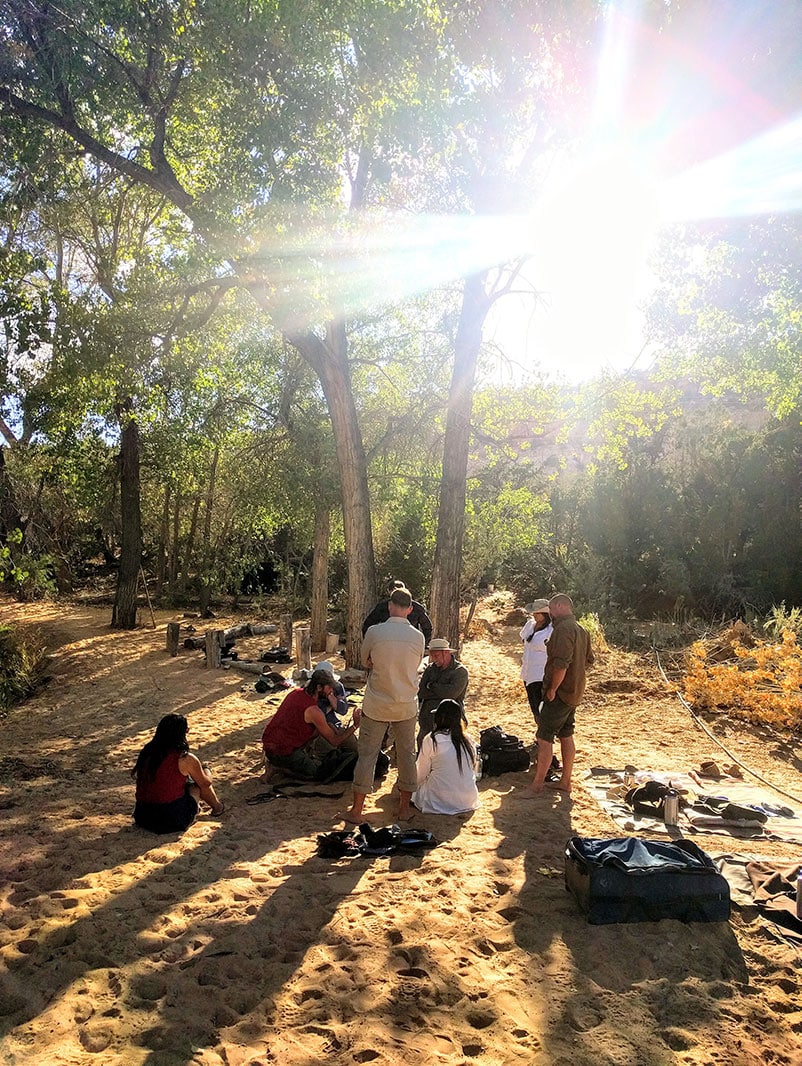
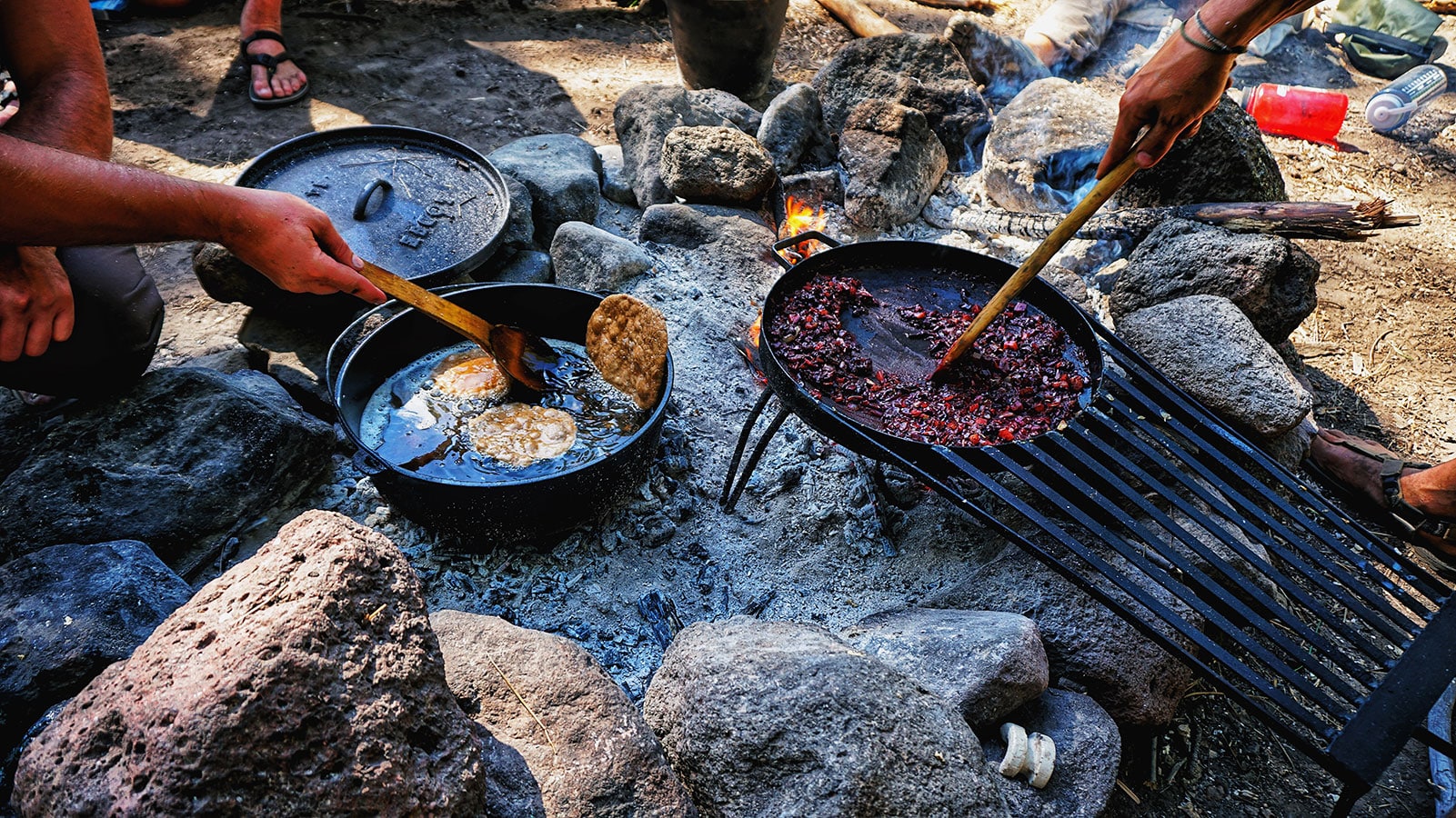
BOSS Skills Courses are held in some of our favorite camps on the public lands surrounding our campus in Boulder, and these survival courses include day and sometimes overnight trips into nearby areas for gathering materials. Some of BOSS’s most skilled instructors will teach you primitive survival and traditional living skills like friction fire, shelter construction, cordage, edible plants, primitive pottery, and flintknapping. Instruction is hands-on and class sizes are small to ensure each student has ample access to our instructors. These courses are less physically challenging than a field course, and are more focused on practicing skills and living as a primitive village. You will leave these courses with your arms full of the products of your labor.
A skills course is for those seeking focused, hands-on time to build their primitive, traditional, and bushcraft skills in a wilderness basecamp setting. No previous outdoor skills or knowledge are needed.
Ready for the next level?
Hunter Gatherer Course
The Hunter Gatherer courses build on the skills developed in field courses to truly live off the land in the rugged Grand Staircase-Escalante National Monument for an extended period.
Our Hunter Gatherer courses are for experienced students of wilderness and ancestral skills who want advanced training and experience in low-impact wilderness survival.
Navigation Courses
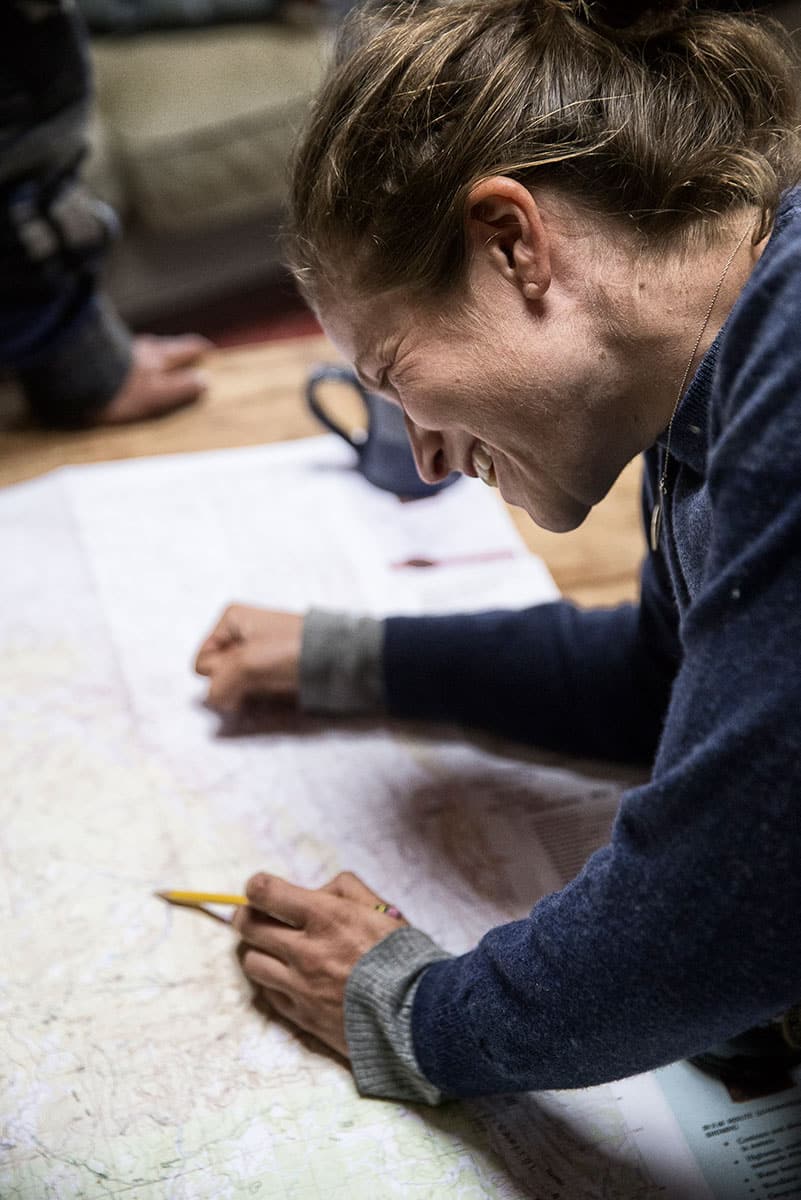
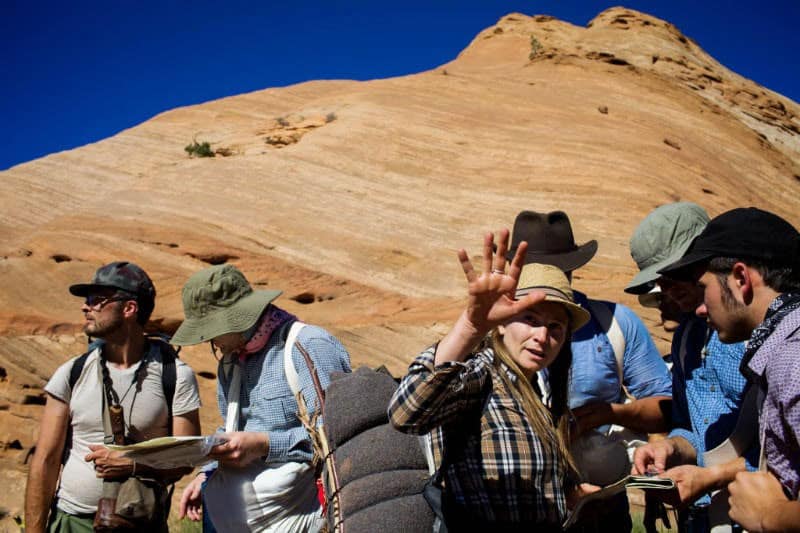
The 14-Day Navigator course combines advanced use of map and compass with the art of low-impact wilderness travel. Veteran survival instructors will teach you everything from map and compass to navigating by the stars in the context of group and solo wilderness travel. We aim to provide thorough instruction and practice in land navigation and give you a real wilderness challenge at the same time.
A BOSS navigation course is for those seeking on-the-ground instruction and intensive practice in land navigation, delivered by master instructors.

Private Courses
We can build a course to meet your needs. We have created survival courses for individuals, executive teams, people seeking specific skill intensives, actors researching for roles, and more. We’ve also provided customized experiences for newspapers, magazines, television programs, and movie studios seeking content for their programming, including 20th Century Fox, NBC News, ABC News, CBS News, The History Channel, VOGUE, PBS, and National Geographic Television.